Live Workshop: Multimedia Generation — Create stunning visuals, music, and voiceovers with AI
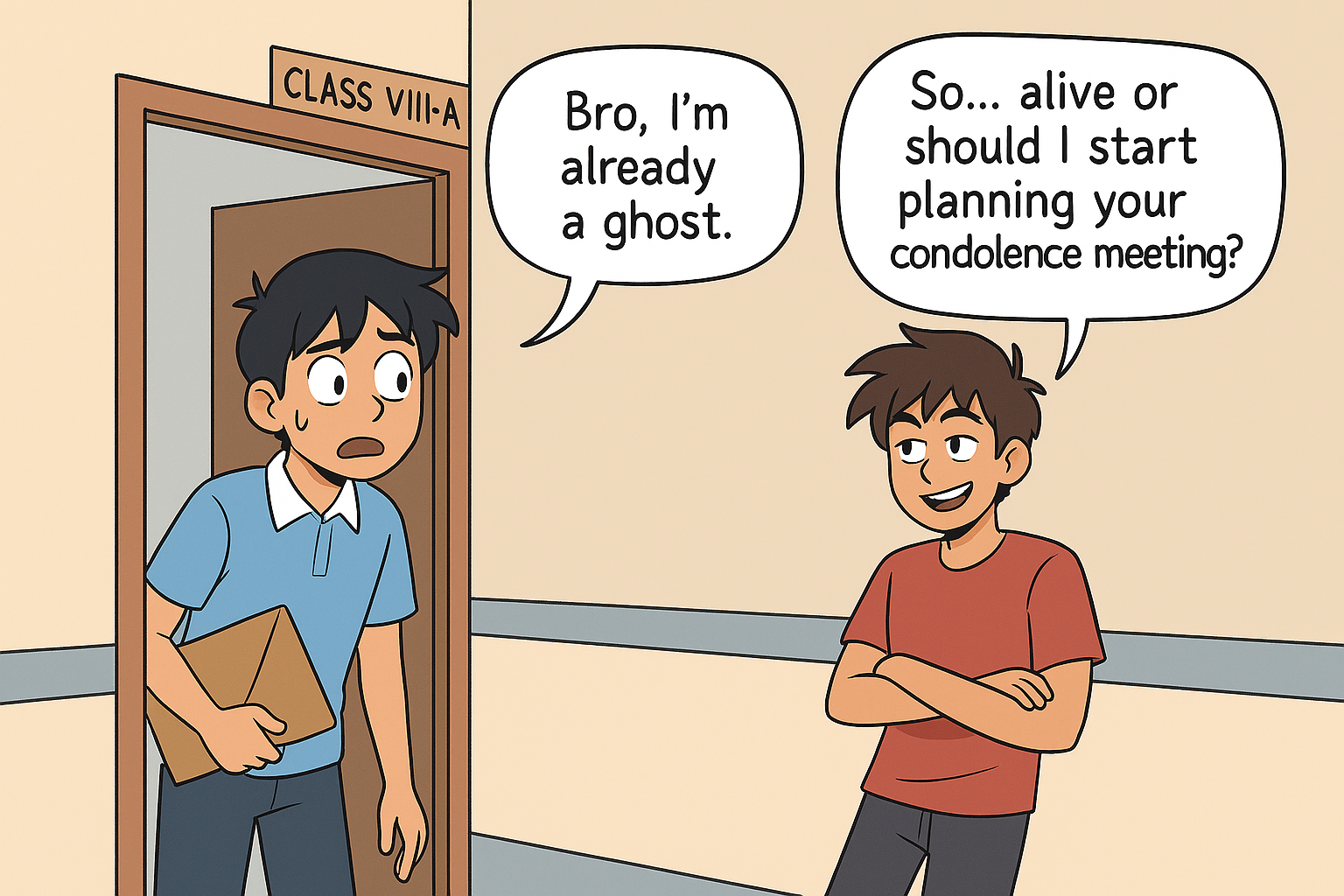
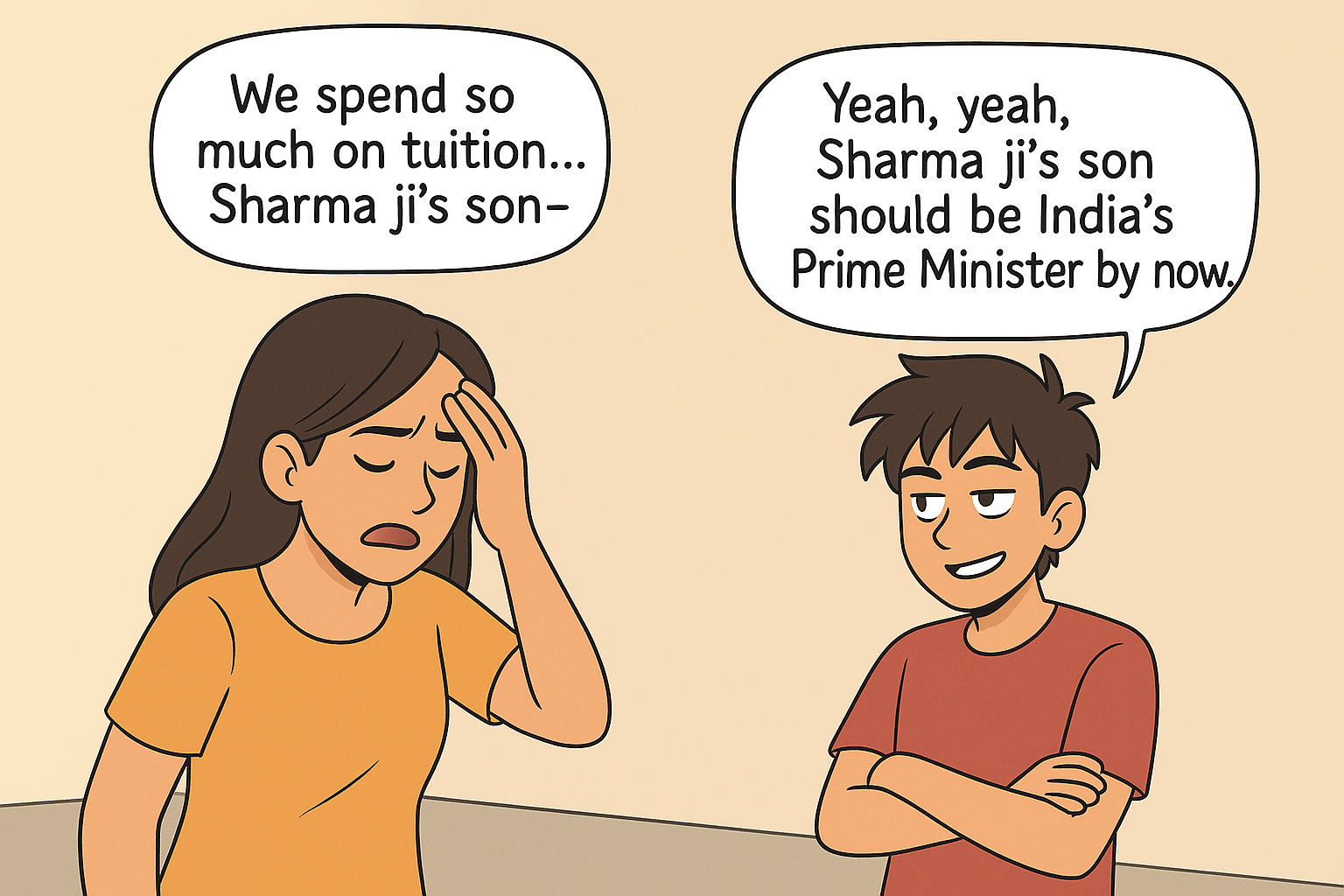
Examples of comic strip creations from previous workshops, showcasing character design and storytelling through AI-generated visuals.
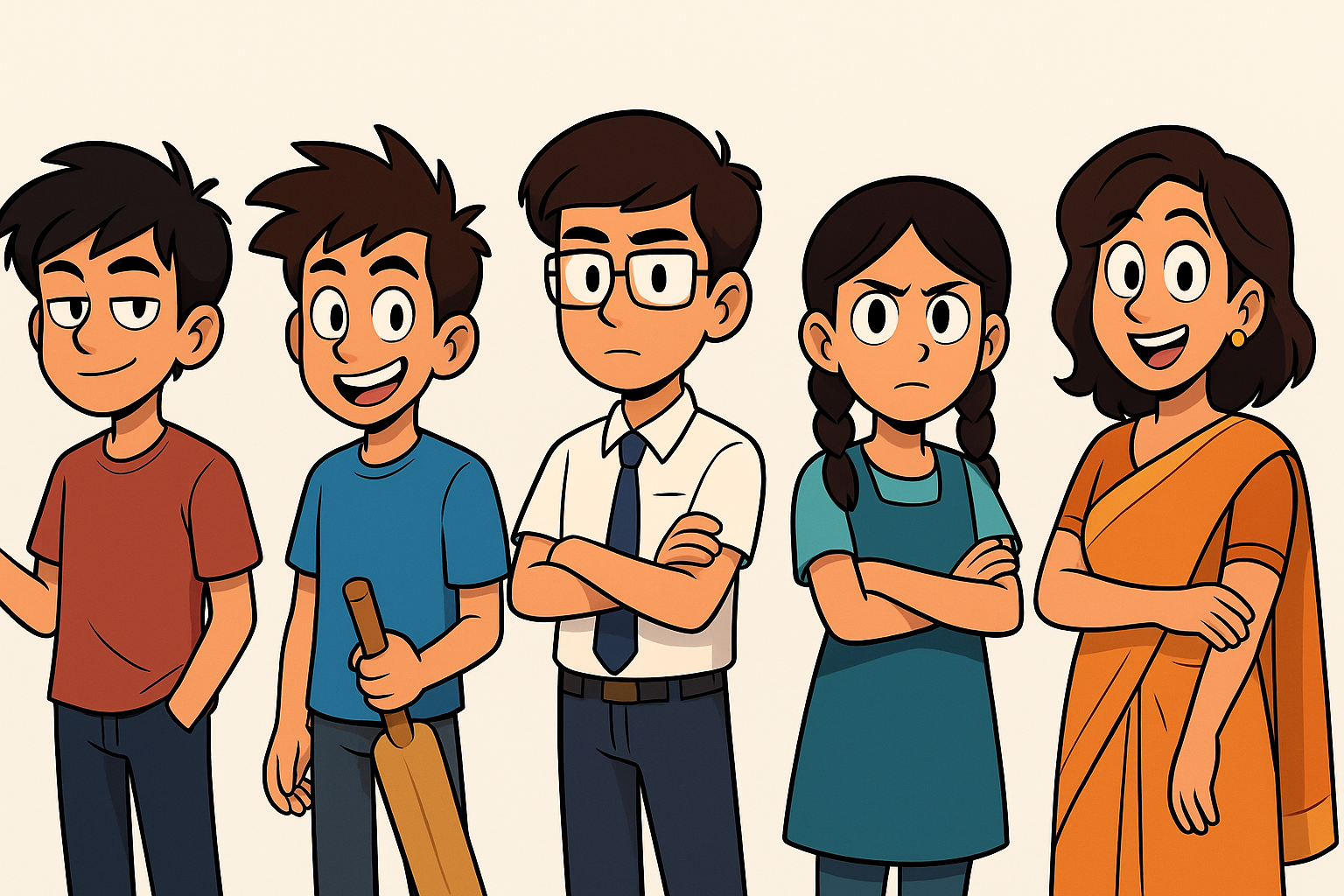
A comprehensive hands-on workshop covering image generation, voice synthesis, and music creation with AI tools.
Introduction to text-to-image AI tools. Students learn the fundamentals of prompt engineering for visual content, understanding how to describe what they want to see.
Students discover how AI interprets text descriptions to create images. They learn about different AI image generation tools and their capabilities.
Understanding essential prompt components: subject, style, composition, lighting, color palette, mood, and technical details (resolution, aspect ratio).
Students write their first image generation prompts with mentor guidance, learning to be specific and descriptive.
Learn the iterative process of refining prompts to create professional-quality hero images. Students go from basic descriptions to polished, publication-ready visuals.
Students begin with a simple idea and write an initial prompt. They generate a first version to see what the AI creates.
Students review the generated image and identify what's missing: specific details, style elements, composition improvements, or mood adjustments.
Students refine their prompts by adding specific details about character appearance, clothing, pose, background, and artistic style.
Students generate multiple variations, compare results, and make final refinements to achieve their vision. They learn to balance detail with clarity.
Students create multiple images for their projects with real-time mentor support. They apply what they've learned to generate characters, scenes, and backgrounds.
Students generate main characters for their stories, focusing on consistent character design across multiple images.
Creating background scenes and environments that match their story settings, learning to maintain visual consistency.
Students create a polished hero image for their project, applying all techniques learned in the previous modules.
Students share their images, receive feedback, and make final adjustments with mentor guidance.
Introduction to AI voice synthesis. Students learn how to create natural-sounding voiceovers for their stories, presentations, and multimedia projects.
Students discover how AI converts text to speech, understanding different voice types, accents, emotions, and speaking styles available.
Learning to choose the right voice: age, gender, accent, tone (friendly, professional, dramatic), speed, and emotional expression.
Students learn to write scripts optimized for voice synthesis, including punctuation for natural pauses and emphasis markers.
Students create voiceovers for their projects. They practice script writing, voice selection, and audio editing to produce professional-quality narration.
Students create a narrator voice for their stories, selecting appropriate tone and style that matches their content.
Creating distinct voices for different characters, learning to differentiate voices through tone, speed, and emotional expression.
Students learn basic audio editing: adjusting volume, adding pauses, combining multiple voice clips, and ensuring smooth transitions.
Final review of voiceovers, making adjustments for clarity and naturalness, then exporting in appropriate formats for their projects.
Introduction to AI music generation. Students learn to create background music, understand musical elements, and make creative choices that enhance their projects.
Students discover how AI creates music, learning about different music generation tools and their capabilities for various genres and moods.
Understanding key musical elements: genre, tempo, mood, instruments, length, and how these choices affect the emotional impact of music.
Students learn to describe the music they want, specifying genre, mood, instruments, and emotional tone.
Students learn to match music choices to their story's mood, scenes, and emotional beats, creating a cohesive multimedia experience.
Students generate and integrate music into their projects. They create background scores, theme music, and soundscapes that enhance their storytelling.
Students create a main theme for their project that captures the overall mood and energy of their story.
Generating different music tracks for various scenes: action sequences, emotional moments, transitions, and background ambience.
Students learn to combine music with voiceovers and visuals, adjusting volume levels, timing, and transitions for a polished final product.
Reviewing the complete audio experience, ensuring music complements rather than overpowers voiceovers, and making final adjustments.
Interactive demonstration and showcase session where students see advanced techniques, share their work, and learn best practices for multimedia creation.
Mentors demonstrate advanced prompt techniques: style transfer, image-to-image variations, inpainting, and creating consistent character designs across multiple images.
Live demonstration of combining images, voiceovers, and music into a cohesive multimedia presentation. Students see the complete workflow from start to finish.
Selected student projects are showcased, with mentors providing feedback on multimedia integration, creative choices, and technical execution.
Mentors address common challenges: mismatched styles, audio quality issues, timing problems, and how to iterate effectively when results don't match expectations.
Sharing advanced tips: maintaining visual consistency, creating audio narratives, balancing multimedia elements, and building a professional portfolio of AI-generated content.